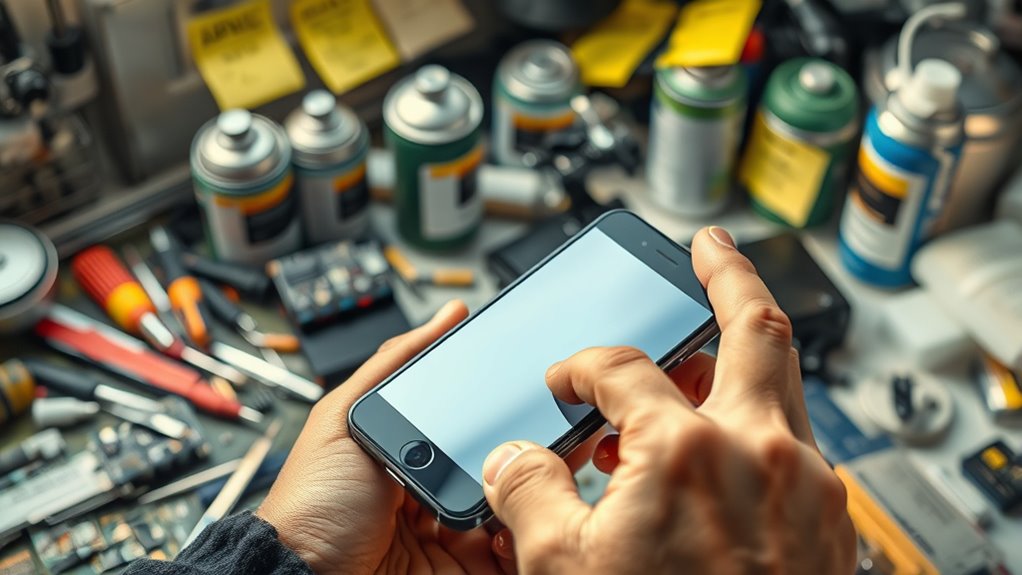

Many common gadget care myths can lead you to unnecessary or even damaging actions. For example, constantly closing apps or over-restarting your device doesn’t boost performance and can drain your battery. Instead, focus on keeping your software updated, handling your device gently, and using protective accessories wisely. Avoid relying solely on these myths to maintain your gadgets—stick with proper care practices, and you’ll see better long-term results. Keep exploring to learn more about effective device maintenance.
Key Takeaways
- Frequent app closing and device resetting are unnecessary; focus on software updates and proper device handling instead.
- Regularly updating your device’s software improves performance and security more effectively than constant resets.
- Protective accessories don’t prevent damage from drops or extreme conditions; cautious handling is essential.
- Over-managing background apps can drain battery and resources, so let the device manage itself unless troubleshooting.
- Proper maintenance includes gentle handling, avoiding temperature extremes, and keeping software up to date for longevity.
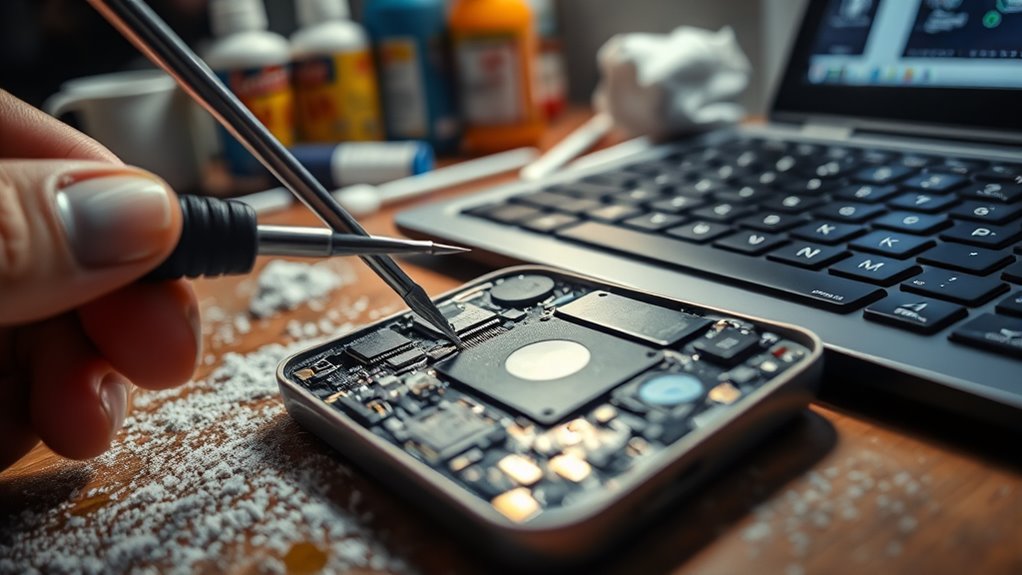
Many people also believe that closing background apps or restarting their device frequently will boost performance. While it’s good practice to restart occasionally, constantly closing apps or overdoing resets isn’t necessary and doesn’t considerably improve speed or battery life. Modern devices are designed to manage resources efficiently, so you only need to restart when you notice sluggishness or after installing updates. Over-managing background apps can sometimes lead to more battery drain because of the extra processing required. Instead, focus on keeping your device updated and managing storage. Regular software updates optimize performance and security, which are more vital than obsessively closing apps or restarting multiple times a day. Additionally, understanding device optimization techniques can help maintain your device’s performance without unnecessary resets. Finally, some think that protective cases and screen protectors eliminate the need for careful handling. While they do provide some protection, they shouldn’t be a substitute for cautious use. Dropping your device or exposing it to extreme conditions can still cause damage, regardless of the accessories. Handle your gadgets gently, avoid exposing them to extreme temperatures, and don’t rely solely on protection gear to keep your device safe. Proper care, combined with these accessories, ensures your device stays in top condition longer, saving you money and frustration in the long run.
![Ailun Screen Protector for iPhone 17e / iPhone 16e / iPhone 14 / iPhone 13 / iPhone 13 Pro [6.1 Inch] Display 3 Pack Tempered Glass, Case Friendly [Not for iPhone 16 6.1 Inch]](https://m.media-amazon.com/images/I/41YKFO7q5TL._SL500_.jpg)
Ailun Screen Protector for iPhone 17e / iPhone 16e / iPhone 14 / iPhone 13 / iPhone 13 Pro [6.1 Inch] Display 3 Pack Tempered Glass, Case Friendly [Not for iPhone 16 6.1 Inch]
WORKS FOR iPhone 17e/16e/14/13/13 Pro 6.1 Inch Display Screen 0.33mm tempered glass screen protector.Featuring maximum protection from scratches,…
As an affiliate, we earn on qualifying purchases.
As an affiliate, we earn on qualifying purchases.
Frequently Asked Questions
How Often Should I Fully Reset My Gadgets for Optimal Performance?
You should fully reset your gadgets about once every six months to guarantee ideal performance. This helps with software updates and battery calibration, preventing sluggishness and glitches. Regular resets clear out accumulated junk and refresh system functions. However, avoid overdoing it, as frequent resets can cause inconvenience. Instead, perform a full reset when you notice significant slowdowns or after major updates to keep your device running smoothly and efficiently.
Is Using Unconventional Cleaning Methods Safe for My Devices?
Using DIY cleaning methods can be risky because they might cause chemical damage to your devices. Avoid harsh chemicals or abrasive materials, as they can harm screens and internal components. Instead, use a soft, lint-free cloth and a gentle cleaner designed for electronics. This approach guarantees safe cleaning without risking damage, keeping your gadgets in top shape and extending their lifespan.
Can I Upgrade My Gadgets Myself Without Damaging Them?
Upgrading your gadgets yourself is like tuning a delicate instrument—you can do it, but a small mistake might cause discord. If you’re comfortable with DIY repairs, you can often upgrade components, but for complex tasks or warranty concerns, professional servicing is safer. Rushing into upgrades without proper knowledge risks damaging your device. When unsure, consulting experts ensures your gadget stays in harmony, avoiding costly mistakes and guaranteeing ideal performance.
Are There Specific Brands of Accessories That Are Better for Device Longevity?
Certain accessory brands are known for better device longevity, especially when they’re compatible with your gadgets. When comparing accessory brands, look for ones with good reviews on durability and compatibility with accessories. Brands like Anker and Belkin often stand out for quality and reliability. Always check compatibility with your specific device model before purchasing, so you avoid damage or poor performance, ultimately extending your device’s lifespan.
Should I Turn off My Device Completely During Long Periods of Non-Use?
Did you know that leaving your device in sleep mode can preserve battery life by up to 20%? You should turn off your device during long periods of non-use to prevent unnecessary battery drain and overheating. Turning it off allows internal components to rest, reducing wear and tear. For best battery preservation and device longevity, power down your device if you won’t be using it for days or more.

Laptop Case Sleeve 15.6 inch, Shockproof Protective Notebook Case with Accessory Pocket, Briefcase Carrying Laptop Cover for 15.6" HP, ASUS, Dell, Lenovo, Acer, Black
👍Applicable Size: Specially using for 15.6" Laptop/Computer/Notebook, External Dimensions (L x W x H): 15.7 x 11.2 x…
As an affiliate, we earn on qualifying purchases.
As an affiliate, we earn on qualifying purchases.
Conclusion
Don’t let these common myths fool you into thinking you know it all. Proper gadget care isn’t rocket science, but it does require avoiding these costly mistakes. Remember, a stitch in time saves nine—taking a little extra care now keeps your devices running smoothly down the line. Stay informed, stay cautious, and treat your tech with the respect it deserves. When it comes to gadget maintenance, knowledge truly is power.

Keyboard Cleaning Kit Laptop Cleaner, All-in-1 Computer Screen Cleaning Brush Tool, Multi-Function PC Accessories Electronic Cleaner Kit Spray for iPhone iPad Macbook Earbud Camera Monitor with Patent
【UPGRADED LAPTOP CLEANING KIT 】 The macbook cleaning kit computer screen cleaner comes with a number of accessories…
As an affiliate, we earn on qualifying purchases.
As an affiliate, we earn on qualifying purchases.

Battery Calibration – Fix Battery & Batteries Plus
[-] Use the application offline anytime, anywhere, even when the phone is not connected to the Internet
As an affiliate, we earn on qualifying purchases.
As an affiliate, we earn on qualifying purchases.