Bluetooth codecs like SBC, AAC, aptX, and LDAC determine your wireless audio’s quality, latency, and battery life. SBC is standard but offers decent sound with higher delay. AAC provides richer sound but can vary in support. aptX reduces lag and improves clarity, ideal for gaming and videos. LDAC supports high-res audio for audiophiles, though it may introduce some latency. Keep exploring to discover how choosing the right codec can optimize your listening experience.
Key Takeaways
- SBC is the default Bluetooth codec offering standard audio quality with higher latency and lower power efficiency.
- AAC provides better sound quality and efficient compression but may face device compatibility issues.
- AptX and Low Latency codecs deliver higher fidelity with reduced delay, ideal for gaming and video playback.
- LDAC supports high-resolution audio up to 24-bit/96kHz, balancing sound quality with connection stability.
- Compatibility and environmental factors influence codec performance, impacting sound clarity, latency, and connection stability.
Understanding Bluetooth Codecs and Their Role in Wireless Audio

To enjoy high-quality wireless audio, understanding Bluetooth codecs is essential because they directly affect sound clarity and latency. Different codecs handle data compression differently, influencing how quickly audio transmits and how much battery you consume. For example, some codecs prioritize low wireless latency, making them ideal for gaming or watching videos, but they might drain your battery faster. Others focus on conserving battery life, which could slightly compromise sound quality or introduce delays. Knowing how codecs balance these factors helps you choose the best option for your needs. Additionally, codec compatibility can vary between devices, so checking supported codecs ensures optimal performance and audio quality. When selecting devices, it’s also helpful to consider device compatibility to avoid connection issues or reduced audio performance. Moreover, understanding energy efficiency of codecs can guide you toward selecting solutions that extend battery life while maintaining good sound quality. Ultimately, your experience depends on selecting a codec that offers the right mix of sound fidelity, minimal delay, and efficient power usage.
What Is SBC and How Does It Impact Your Listening Experience
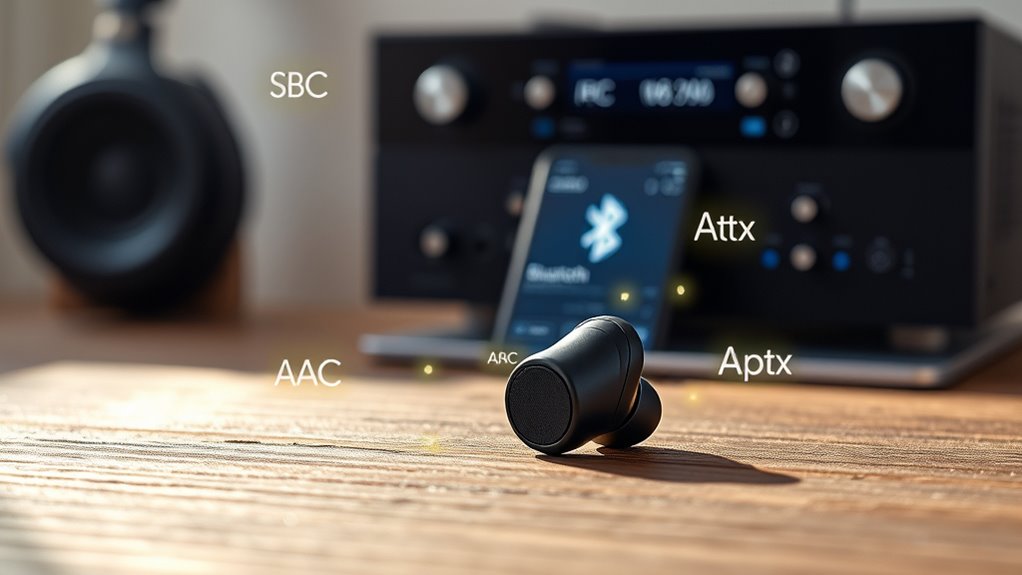
Ever wondered how your Bluetooth headphones deliver sound without the need for wires? That’s where SBC, or Subband Codec, comes in. It’s the default codec used in most Bluetooth devices, balancing compatibility and performance. SBC can handle standard audio quality but isn’t optimized for high-fidelity sound, which impacts your listening experience. It tends to have higher wireless latency, so delays between audio and video might be noticeable. Additionally, SBC isn’t very power-efficient, leading to increased battery consumption during use. While it’s reliable and widely supported, it doesn’t deliver the best sound quality or low latency compared to more advanced codecs. If you’re after crisp audio and minimal delay, upgrading to a device that supports better codecs might be worth considering. Understanding codec technology can help you make informed choices for your audio setup.
The Benefits and Limitations of AAC Codec

Have you noticed how many modern Bluetooth devices support AAC, promising better sound quality? AAC uses advanced data compression techniques, which help deliver clearer audio at lower bitrates. This efficiency means you get richer sound without draining your device’s battery quickly. Additionally, AAC’s complexity can lead to increased processing power, potentially impacting battery life over extended use. While AAC generally offers improved audio fidelity over SBC, it isn’t flawless. Compatibility can also be an issue, as not all devices support AAC seamlessly. Overall, AAC strikes a balance between sound quality and power consumption, but it’s not without limitations, especially in varied hardware environments. Furthermore, the device’s hardware support significantly influences AAC’s performance and overall audio experience. To maximize the benefits of AAC, it’s important to ensure your device has proper hardware capabilities that can handle its processing requirements effectively. Being aware of Bluetooth codec compatibility can help you select devices that will deliver optimal audio quality with AAC. Additionally, software optimization can play a role in how well AAC performs on your device, making it worthwhile to keep your device’s firmware up to date. Recognizing the importance of hardware support can help troubleshoot potential issues and improve your listening experience.
Exploring Aptx: Enhancing Wireless Audio Quality
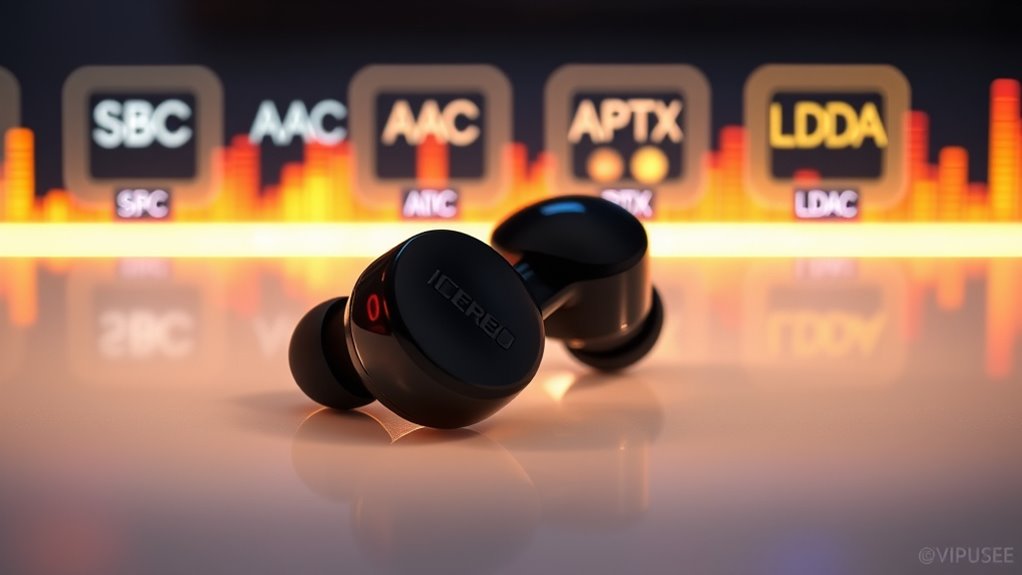
AptX is a popular Bluetooth codec designed to deliver higher quality audio by reducing latency and improving sound fidelity. When you choose AptX for wireless streaming, you benefit from clearer, more detailed sound, especially during fast-paced content like gaming or videos. Its main advantage is minimizing codec latency, making audio sync better with visuals and reducing lag. This is vital for an immersive experience. To get the most out of AptX, consider these points:
- It offers near-lossless quality, reducing compression artifacts.
- It improves real-time audio, ideal for gaming and videos.
- Compatibility depends on both your device and headphones, so check support.
- Additionally, understanding codec support can help you optimize your audio setup for the best experience.
- Ensuring proper pairing between devices can also enhance overall audio quality and stability.
- Being aware of Bluetooth version compatibility can further improve performance and connection stability.
- Moreover, selecting devices with aptX Low Latency support can further reduce lag for a more synchronized experience.
LDAC: Sony’s High-Resolution Bluetooth Codec
Building on the improved sound quality offered by AptX, Sony’s LDAC takes wireless audio even further by supporting high-resolution audio streaming. Unlike other codecs, LDAC can transmit up to 24-bit/96kHz audio, delivering richer detail. This capability allows for high-resolution audio to be streamed wirelessly, providing a listening experience closer to wired connections. Additionally, LDAC utilizes adaptive bitrate technology to optimize data transfer based on connection quality, which helps maintain a stable connection during use. The data transfer process is optimized to balance quality and stability, making LDAC suitable for various listening environments. However, this higher quality can introduce increased wireless latency and more intense codec compression, which may affect real-time listening or gaming. Despite this, LDAC intelligently adjusts its data transfer rate based on connection quality, balancing audio fidelity and stability. This adaptive approach minimizes audio dropouts and maintains a smoother experience. If you prioritize high-res sound over minimal latency, LDAC is an excellent choice. Just be aware that the trade-offs in codec compression and latency might impact your overall listening experience, especially in fast-paced or interactive scenarios. Continuous support through innovative digital tools further enhances the overall user experience with LDAC-enabled devices.
Comparing Codec Performance: Which One Suits Your Needs?
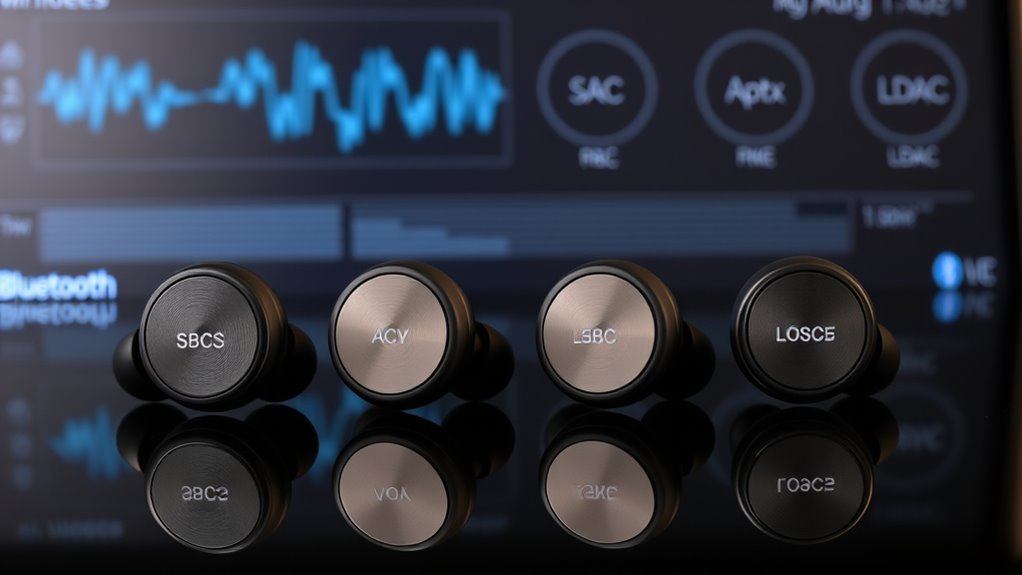
Choosing the right Bluetooth codec depends on your specific needs and how you use your devices. If you prioritize sound quality, codecs like LDAC excel, but they may increase battery consumption. For reliable performance in crowded environments, AAC or aptX are better choices, as they handle wireless interference more effectively. Consider these points:
- Higher-quality codecs often demand more power, impacting battery life.
- Wireless interference can cause dropouts or reduced audio fidelity, especially with SBC.
- Your usage habits, like streaming or gaming, influence which codec suits you best.
- Vetted wave and wind can also affect wireless signal stability, impacting overall audio performance.
Ultimately, balancing sound quality with battery life and interference resistance helps you pick the right codec. If you value portability and consistent connection, opt for more stable codecs. For audiophiles, quality might outweigh battery concerns.
Choosing the Right Codec for Optimal Wireless Sound

To get the best wireless sound, you need to consider your device’s compatibility and your sound quality priorities. Some codecs work better with certain devices, so check what your gear supports first. Then, decide how much you value audio clarity versus connection stability to choose the right codec for you. Additionally, understanding passive voice detection can help you write clearer and more engaging descriptions of these codecs.
Compatibility Considerations
Since not all devices support the same Bluetooth codecs, selecting the right one depends on your device’s compatibility. Bluetooth codec compatibility influences your wireless experience and device pairing considerations. Before choosing a codec, check your device specifications to verify compatibility. This helps avoid connection issues or limited sound quality. Keep in mind:
- Some devices only support SBC, limiting potential audio quality.
- Advanced codecs like AAC, Aptx, or LDAC may require specific hardware or firmware.
- Compatibility gaps can cause fallback to lower-quality codecs, affecting your listening experience.
Sound Quality Priorities
Selecting the right Bluetooth codec is essential for maximizing your wireless sound quality, especially if you prioritize clear, detailed audio. If sound quality is your top priority, choose codecs like aptX or LDAC, which offer higher bitrates and better audio fidelity over wireless connectivity. Keep in mind, however, that higher-quality codecs often demand more battery power, reducing battery efficiency. If you want a good balance between sound quality and longer device usage, SBC or AAC might be better options, as they are more energy-efficient but still deliver decent audio. Ultimately, the best choice depends on your priorities: if you prefer premium sound and don’t mind shorter battery life, opt for advanced codecs. For longer listening, prioritize codecs that conserve battery while maintaining acceptable sound quality.
Frequently Asked Questions
Can Bluetooth Codecs Affect Device Battery Life Significantly?
Yes, Bluetooth codecs can markedly affect your device’s battery life. When you use more efficient codecs like AAC or Aptx, your device conserves power, reducing battery drain. However, higher-quality codecs like LDAC may consume more energy due to increased data transmission. So, choosing a codec based on your priority—whether audio quality or battery longevity—can make a noticeable difference in how long your device lasts between charges.
Do All Devices Support All Bluetooth Codecs?
Imagine your device is like a vintage Game Boy—you’re limited to its built-in capabilities. Not all devices support every Bluetooth codec due to compatibility or codec limitations. You’ll find some devices support SBC and AAC, but might lack aptX or LDAC. Always verify your device’s specifications because unsupported codecs won’t work, affecting your audio quality and connection. Compatibility varies, so ensure your gadgets are codec-compatible for the best experience.
How Does Codec Latency Impact Gaming or Video Watching?
Codec latency affects your gaming and video experience by causing audio delay, which can lead to synchronization issues with the visuals. If the codec has high latency, you’ll notice a lag between what you see and hear, disrupting immersion. Choosing low-latency codecs like AptX LL or LDAC helps minimize this delay, ensuring audio stays synchronized with video, so your gaming or streaming feels seamless and more enjoyable.
Are There Any Compatibility Issues Between Different Bluetooth Codecs?
Compatibility issues can occur when your device doesn’t support certain Bluetooth codecs, which may hinder your ability to enjoy the best audio quality. If you want a seamless experience, consider a codec upgrade compatible with your device. Always check device compatibility before pairing, as some devices may only support specific codecs like SBC or AAC. Ensuring compatibility helps you get ideal sound without interruptions or quality loss.
Can I Upgrade Codecs on My Existing Bluetooth Devices?
You can’t typically upgrade codecs on your existing Bluetooth devices because codec support is built into the hardware and firmware. While it might seem tempting to upgrade for better audio quality, device compatibility is the main hurdle. To access new codecs like LDAC or Aptx, you’ll need new devices that support these codecs. Keep an eye out for devices with updated firmware or Bluetooth 5.0+ for broader codec support.
Conclusion
Choosing the right Bluetooth codec is like finding the perfect tune that resonates with you. Each offers a unique flavor, painting a vivid picture of clarity, depth, or high-resolution detail. As you explore these options, trust your ears to guide you through the symphony of wireless sound. With a little patience, you’ll discover the sweet spot where your music feels truly alive, turning every listen into a harmonious journey.