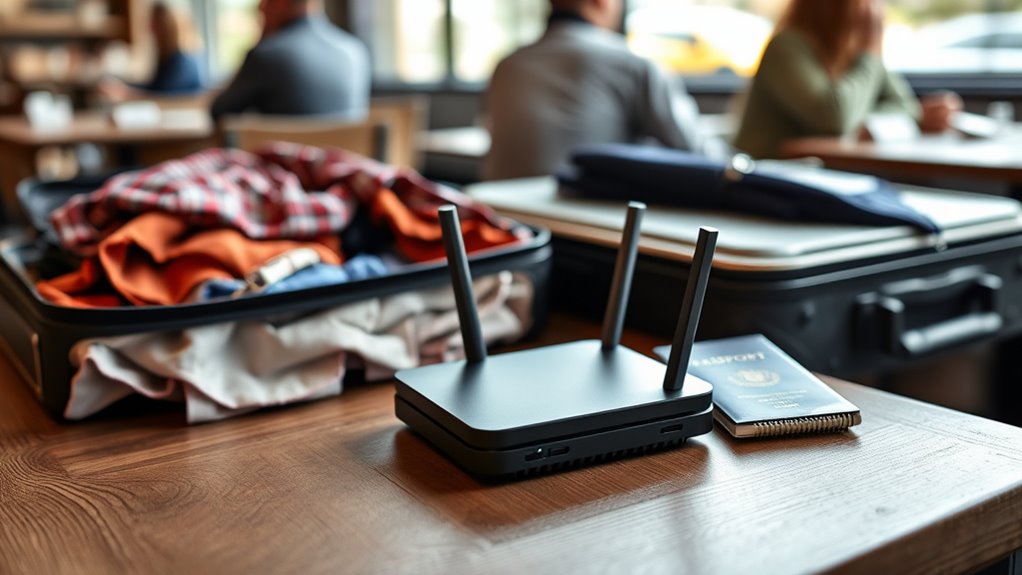

A travel router helps you enjoy safer Wi-Fi on the go by creating a secure, private network wherever you are. It shares a single internet connection with multiple devices while keeping your data protected with advanced security features like WPA3 encryption and VPN support. With its compact design, it’s easy to carry and setup, offering a reliable connection in unfamiliar places. Keep exploring to discover how to make your travel Wi-Fi even safer and more efficient.
Key Takeaways
- Travel routers create secure, private Wi-Fi networks using advanced encryption like WPA3, protecting your data on-the-go.
- They support VPN functionality, encrypting your internet traffic for enhanced privacy in public places.
- Equipped with guest network options, travel routers isolate connected devices, reducing security risks.
- They support multiple device connections simultaneously, maintaining fast, reliable, and secure internet access.
- Additional features like USB sharing and wired ports help ensure seamless, secure connectivity during travel.
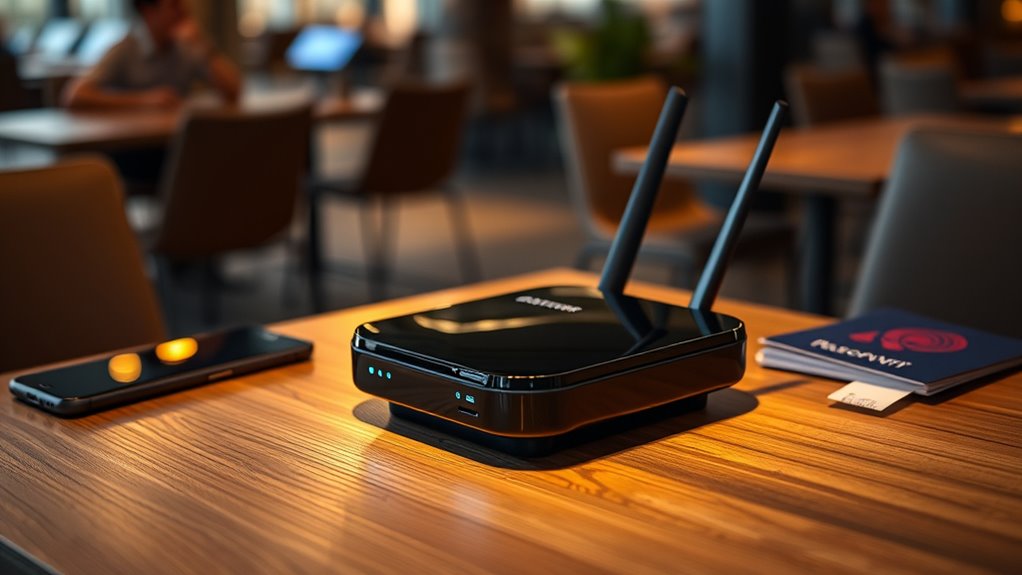
Ever wondered how to stay connected while on the go? Travel routers are the perfect solution for maintaining a reliable and secure Wi-Fi connection no matter where you are. These compact devices act as portable hotspots, allowing you to share a single internet connection with multiple devices, such as your phone, tablet, or laptop. With the right travel router, you can avoid the hassle of searching for public Wi-Fi networks, which are often unsecured and risky. Instead, you create your own secure network, giving you peace of mind while browsing, working, or streaming.
When choosing a travel router, one of the most important considerations is security protocols. Modern travel routers come equipped with advanced security features like WPA3 encryption, VPN support, and guest network options. These security measures ensure that your data remains private and protected from potential cyber threats on unfamiliar networks. By implementing robust security protocols, your travel router helps prevent unauthorized access and keeps your sensitive information safe, whether you’re in a hotel, airport, or café. This added layer of security is essential when you’re connecting to diverse networks across different locations.
Choose travel routers with WPA3, VPN, and guest networks for maximum security on the go
Device compatibility is another critical factor to keep in mind. You want a travel router that seamlessly connects with all your devices without hassle. Look for a device that supports common Wi-Fi standards like 802.11ac or 802.11ax, ensuring fast and reliable connections. Additionally, check if it works with multiple operating systems, including Windows, macOS, Android, and iOS, so you won’t encounter compatibility issues. Some travel routers also feature multiple ports for wired connections or USB ports for sharing files, which can be incredibly convenient. Ensuring compatibility with your devices means you won’t waste time troubleshooting or dealing with connection issues, allowing you to focus on your trip rather than technical frustrations. Additionally, security features are crucial for protecting your data across various networks.
Frequently Asked Questions
Can Travel Routers Improve Wi-Fi Speed?
Yes, travel routers can improve your Wi-Fi speed by amplifying the Wi-Fi signal and managing network congestion. They connect to your existing network and rebroadcast a stronger, more stable signal, reducing lag and buffering. Plus, they help manage multiple devices smoothly, minimizing interference. With a travel router, you get better Wi-Fi performance on the go, making your online experience faster and more reliable wherever you are.
Are Travel Routers Compatible With All Devices?
You wonder if your travel router will work with all your devices, right? Rest assured, most models are compatible with a wide range of devices, from smartphones to laptops. However, check the device compatibility list before buying. Firmware updates also help guarantee smooth operation across your gadgets, fixing bugs and improving performance. Keep your firmware current, and your travel router will seamlessly connect to all your devices, wherever you go.
What’s the Typical Battery Life of a Travel Router?
The battery life of a travel router typically ranges from 4 to 8 hours, depending on the model and usage. You can extend its battery longevity by enabling power management features and reducing unnecessary connections. Keep in mind that continuous data transfer uses more power, so monitoring your usage helps maximize your device’s runtime. Always carry a portable charger or extra batteries to guarantee reliable Wi-Fi access while on the move.
How Secure Are Travel Routers Against Hacking?
Travel routers are generally quite secure if you choose models with strong encryption protocols like WPA3. They reduce hacking vulnerabilities by creating a protected network for your devices, making it harder for hackers to access your data. However, no device is completely immune. You should always keep your firmware updated, use strong passwords, and avoid connecting to unknown networks to maximize security and protect against hacking threats.
Do Travel Routers Work in All Countries?
Sure, your travel router can work in many countries, but don’t count on it to handle international roaming or any universal plug adapter. You’ll need the right plug adapters for different sockets, and some routers may not support certain power voltages. So, while it’s a handy device, expect to do a little prep work and research before plugging in everywhere, or you’ll be Wi-Fi-less and frustrated.
Conclusion
With a travel router, you’re fundamentally wielding a magic wand that transforms your messy, insecure Wi-Fi into a fortress of safety on the go. No more worries about hackers lurking in public hotspots—your data stays protected and your connection stays strong. It’s like having your own personal Wi-Fi superhero wherever you travel. So, don’t leave home without it—because safe, reliable internet isn’t just a luxury, it’s a game-changer in today’s connected world.