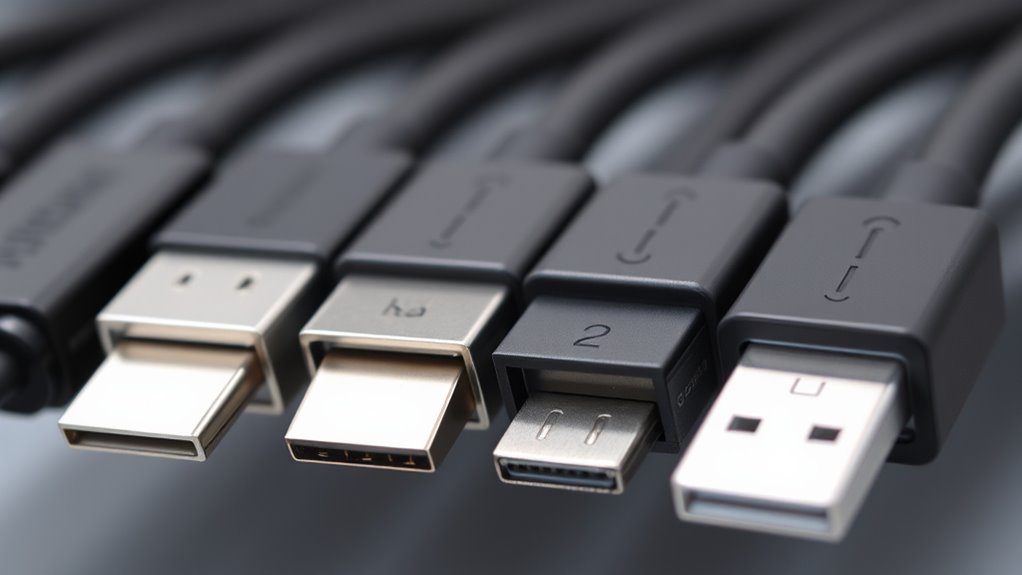

Not all USB-C cables are equal—you need to know their hidden differences in power delivery, data transfer speeds, and quality. Some cables support faster charging and higher wattages, like 100W, while others only handle basic 15W or 60W charging. Data speeds vary from USB 2.0 to Thunderbolt 4, affecting how quickly you transfer files. Choosing the right cable guarantees safe, efficient use of your devices; discover more to make smarter choices.
Key Takeaways
- Not all USB-C cables support the same power delivery; check wattage ratings for fast, safe charging.
- Data transfer speeds vary widely; choose cables supporting USB 3.1, 3.2, or Thunderbolt standards for high-speed needs.
- Build quality and certification affect durability and performance; reputable brands ensure reliable power and data transfer.
- Some cables prioritize charging over data, or vice versa; verify specifications based on your device requirements.
- Using incompatible or low-quality cables can lead to slow charging, data transfer issues, or device damage.
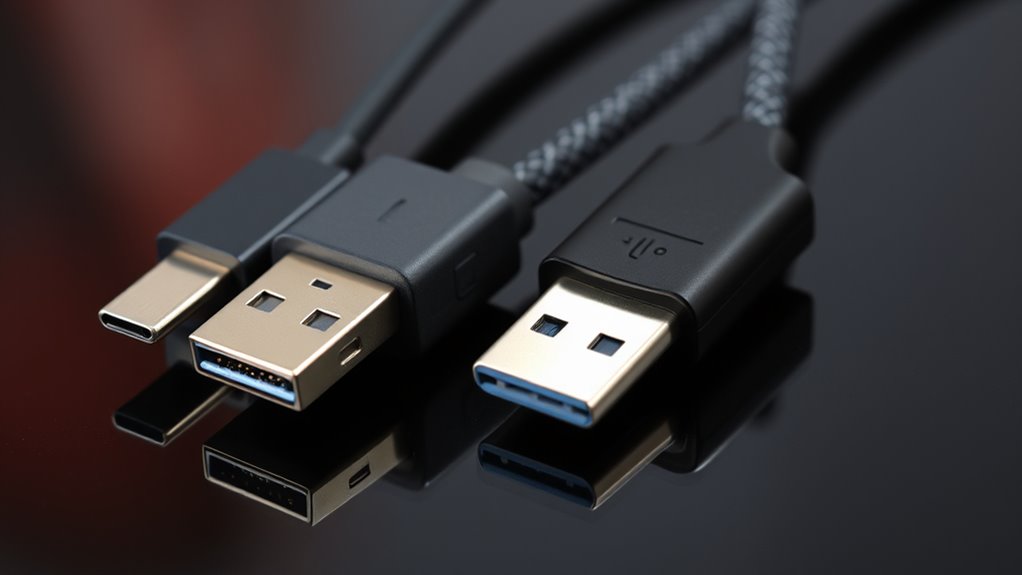
USB-C cables have become the standard for connecting and charging a wide range of devices thanks to their fast data transfer speeds and versatile design. But not all USB-C cables are created equal. When you’re shopping or using these cables, it’s important to understand the hidden differences, especially regarding power delivery and data transfer rates. These factors determine how effectively your devices will charge and how quickly data will move between them.
Power delivery is one of the most critical features to consider. Some cables support higher wattages, allowing you to charge your laptop, tablet, or other power-hungry devices faster. If a cable isn’t rated for sufficient power delivery, your device might charge slowly or not at all, even if the power brick can supply more. High-quality USB-C cables with robust power delivery can support up to 100W, making them suitable for fast-charging multiple devices simultaneously. Conversely, cheaper or lower-quality cables might only handle 15W or 60W, limiting their usefulness for larger devices. When choosing a cable, check its specifications for power delivery capacity, especially if you want to ensure your devices charge quickly and safely.
Choose USB-C cables with high wattage support for fast, safe device charging.
Data transfer rates are equally important, especially if you regularly move large files, stream high-definition videos, or connect peripherals. Not all USB-C cables support the same transfer speeds. Some may only handle USB 2.0 speeds of up to 480 Mbps, which is fine for simple tasks, but slow for larger data transfers. Others support USB 3.1 or 3.2 standards, offering transfer rates up to 10 Gbps or even 20 Gbps with Thunderbolt 3 or 4 compatibility. These faster cables make it easier to transfer high-resolution videos, large backups, or run external drives smoothly. When selecting a cable, look for its supported data transfer rates to match your needs. Using a cable with lower data speeds for demanding tasks will only frustrate you and slow down your workflow.
Additionally, the quality of the cable’s build affects its performance and durability. Cheaper cables may have compromised shielding or poor connectors, which can impact both power delivery and data transfer stability. Investing in a reputable brand or certified cable ensures you get consistent performance and reduces the risk of damaging your devices. Keep in mind that some cables may be advertised as “USB-C compatible” but lack the necessary specifications to support high power delivery or fast data rates. Furthermore, European standards for cable safety and quality assurance can help you select more reliable options.
Frequently Asked Questions
Can All USB-C Cables Charge Devices at the Same Speed?
Not all USB‑C cables charge devices at the same speed. Your charging speed depends on cable compatibility with your device and charger. Some cables support fast charging, while others are limited to basic charging. To guarantee ideal speed, look for cables labeled with high wattage or fast-charging standards. Using an incompatible or lower-quality cable can slow down charging or even damage your device, so always choose the right one for your needs.
Are There Differences in Durability Among USB-C Cable Brands?
Yes, there are differences in durability among USB-C cable brands. You’ll notice that cables made from high-quality cable materials, like reinforced shielding and sturdy connectors, tend to last longer. Additionally, choosing a brand with a strong reputation for quality guarantees better durability. When you pick a reputable brand, you’re more likely to get a cable that withstands daily wear and tear, saving you money and frustration over time.
Do All USB-C Cables Support Video Output?
You might assume all USB-C cables support video output, but that’s not the case. Many cables lack the necessary video compatibility, which depends on adhering to specific cable standards like Thunderbolt or USB 3.2. If you want to connect your device to a monitor, check for cables explicitly labeled for video support. Not all USB-C cables are created equal—search for those that meet the right standards to guarantee seamless video output.
How Do I Identify a Genuine USB-C Cable From Counterfeit Ones?
To identify a genuine USB-C cable, perform authenticity verification by checking for official branding, labels, and certifications like USB-IF logos. Look for high-quality build, consistent connectors, and clear specifications. Counterfeit detection involves examining the cable’s weight, cable material, and seller credibility. Avoid suspiciously cheap options, and buy from trusted retailers. These steps help make sure you’re using a genuine cable that meets safety and performance standards.
Are There Safety Risks With Using Cheaper USB-C Cables?
Did you know that over 30% of counterfeit USB-C cables pose safety hazards? Using cheaper cables can risk electrical shorts, fires, or device damage due to poor quality assurance. These cables often lack proper insulation or fail to meet safety standards, putting your devices and even your safety at risk. To stay safe, always choose reputable brands and verify certificates, rather than just going for the lowest price.
Conclusion
So, next time you grab a USB-C cable, remember it’s not all the same. You might think you’re just plugging in, but behind the scenes, tiny differences decide whether you get lightning-fast data or a slow drip. It’s almost hilarious—buying one cable and hoping it’s “the one” while missing the subtle, hidden specs that make all the difference. Turns out, your device’s performance depends on the cable’s secret life you never knew existed.